Täglich bieten wir KOSTENLOSE lizenzierte Software an, die ihr sonst bezahlen müsstet!

iPhone Giveaway of the Day - Air Share Wifi File Transfer
Air Share Wifi File Transfer
ist verfügbar als Giveaway of the day!
Ihr habt nur begrenzt Zeit, es herunterzuladen und zu installieren.

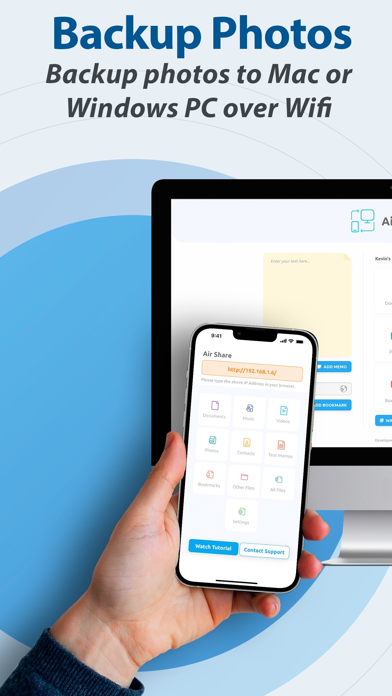
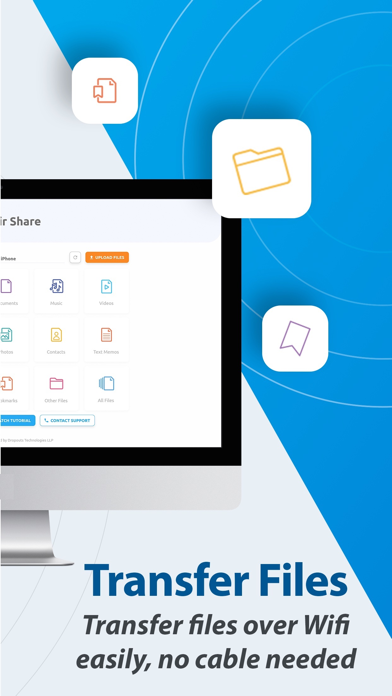
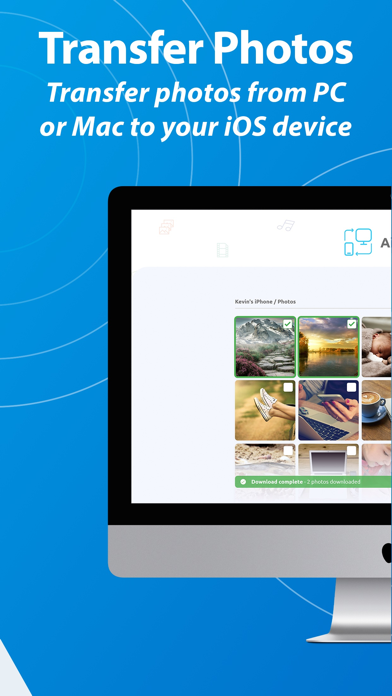
Transfer Music, Videos, Documents, Photos or Any Files from PC / Mac to your iPhone / iPad by just Drag & Drop using any Wifi !
Share files from your computer to iOS device in 3 easy steps:
1. Connect your iOS device to the same Wifi of your computer.
2. Open browser and type in the URL generated in the Air Share app and hit enter.
3. Drag and Drop your files in the browser window ! That's it !
Awesome Features :
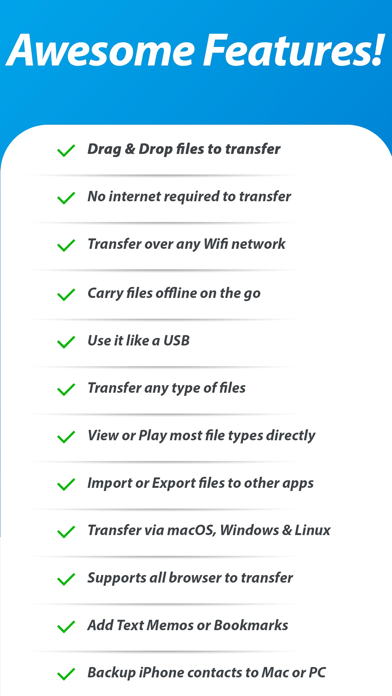
1. Backup iPhone or iPad Photos to your PC or Mac
2. Works with macOS, Windows, Linux or any other OS running popular web browsers.
3. Easy and blazingly fast to transfer files from computers to your iPhone / iPad devices and vice versa.
4. Automatic file sorting and categorisation of files.
5. No software or USB cable required to transfer files from computer to your iPhone / iPad devices and vice versa.
6. Break free from syncing with one computer, copy from any computer you like with no restrictions at all.
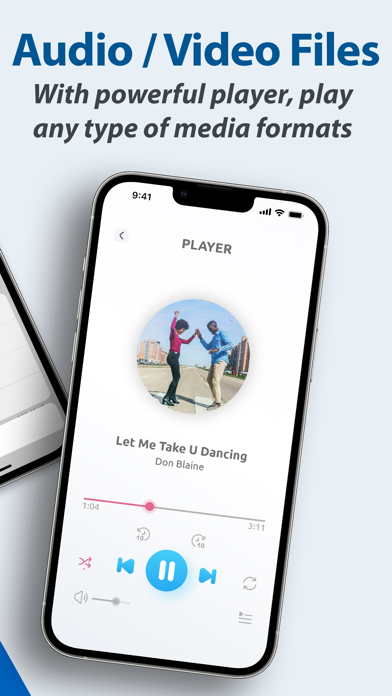
7. Major audio and video formats supported with subtitles support for your video.
8. Play audio files in background, supports high quality audio files also.
9. Use your iOS device as a wireless pen drive to transfer files from one computer to another!
10. Photos can be transferred from PC or Mac to your iPhone or iPad directly by drag and drop, no syncing required.
11. Import all types of files from other apps! The files will be automatically sorted.
12. Export all files from Air Share to your favourite app! No restrictions what so ever! Break free!
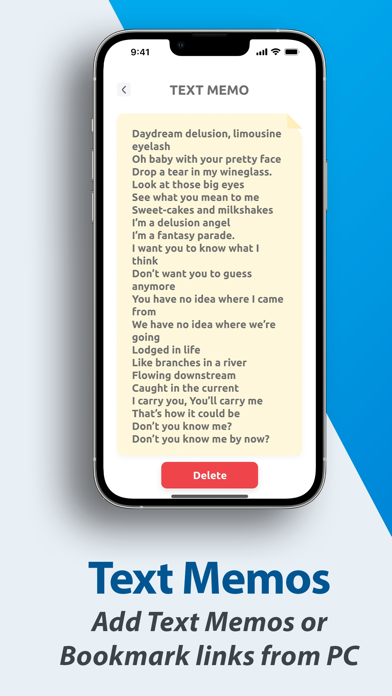
13. Add bookmarks from you computer and view the link on the go on your iOS device.
14. Add sticky text memos and keep them on your iOS device for a quick sneak peak.
15. Transfer any types of files to Air Share and later download it on different computer to use the file.
16. Internet not required to transfer files from computer to iOS device, just a working Wifi network ...
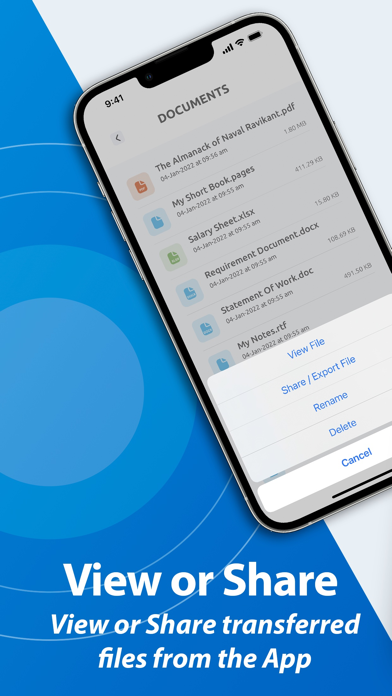
17. Major types of files are supported for preview or play by Air Share!
18. Very easy to use app, with tutorials and support inside.
File types supported by Air Share to preview or to play:
1. Documents: doc, docx, xls, xlsx, ppt, pptx, pps, ppsx, pdf, txt, rtf, text, key, csv, pages, numbers & more ...
( i.e. All Microsoft Office Documents and Apple Work Documents )
2. Music: mp3, wav, wma, aiff, alac, flac, ogg & more ...
3. Videos: avi, mov, mp4, mkv, mpg, mpeg & more ...
4. Subtitles : srt, sub, idx, embedded subtitles & more ...
5. Images: jpg, jpeg, png, gif, tiff, exr & more ...
You can even use Air Share as a wireless USB drive to carry any file type without any problem!
Supported Web Browsers:
1. Apple Safari
2. Google Chrome
3. Mozilla Firefox
4. Opera
5. Brave Browser
6. Internet Explorer and Microsoft Edge ( File upload is limited in IE and Edge )
----------------------------------------------------------------------------
• Privacy Policy : https://www.airshareapp.com/privacy.html
• Terms & Conditions : https://www.airshareapp.com/eula.html
We love your feedback to constantly add new features to our apps and for any questions shoot a mail to :
support@dropouts.in and we will get back to you within 24 hours.
Entwickler:
Dropouts Technologies LLP
Kategorie:
Business
Version:
2.1.7
Größe:
41.13 MB
Bewertet:
17+
Sprachen:
Arabic, English, French, German, Italian, Japanese, Korean, Portuguese, Russian, Chinese, Spanish, Turkish
Kompatibilität:
iPhone, iPad

Kommentare zum Air Share Wifi File Transfer