Täglich bieten wir KOSTENLOSE lizenzierte Software an, die ihr sonst bezahlen müsstet!

iPhone Giveaway of the Day - Anybuffer
This giveaway offer has been expired. Anybuffer is now available on the regular basis.
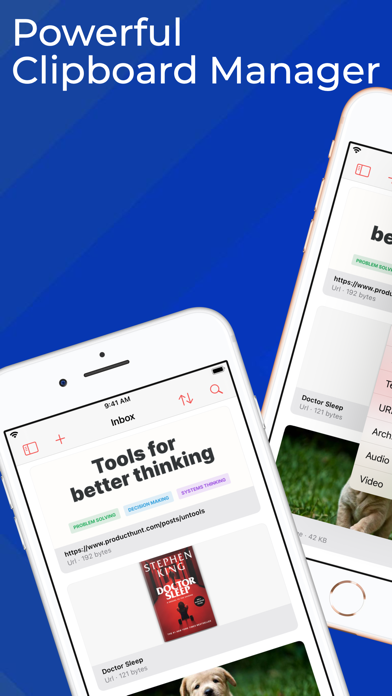
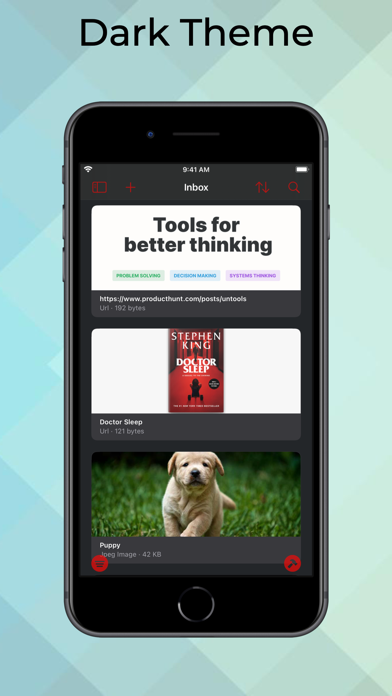
Anybuffer is a simple but powerful clipboard manager for iOS and iPadOS.
It is a place to store and organize everything you want: links, images, documents, text, email - you name it!
Supercharge your clipboard management, item copied to Anybuffer syncs across devices, and available right where you need it.
Copied items can be automatically saved to Anybuffer if Anybuffer app or Today widget is on the screen.
Improve your productivity workflows
- Save the contents of your clipboard, never lose your data again.
- Edit copied data in Anybuffer.
- Scan documents or create quick sketches.
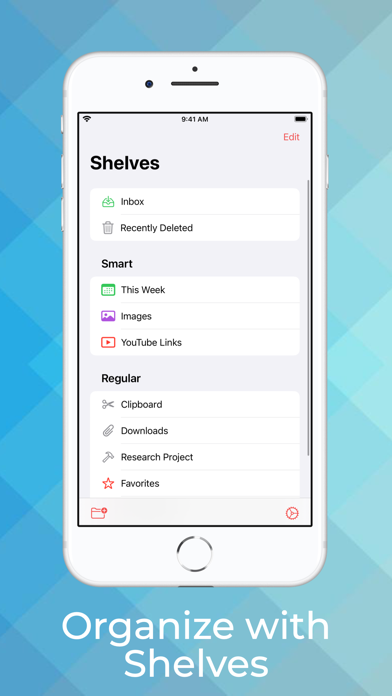
- Use shelves to organize items.
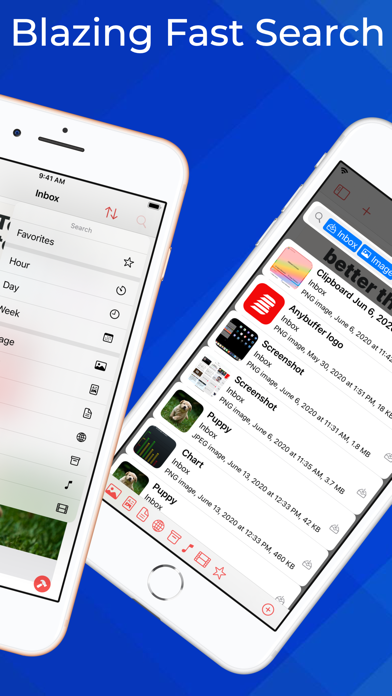
- Powerful search and Smart Shelves are practically a superpower.
- Anybuffer is drag & drop powerhouse - anything you see on the screen can be used and drag & drop workflow.
Anybuffer is nicely designed and support all modern Apple technologies
- iCloud Sync. Items added to Anybuffer automagically sync between your devices using secure iCloud services.
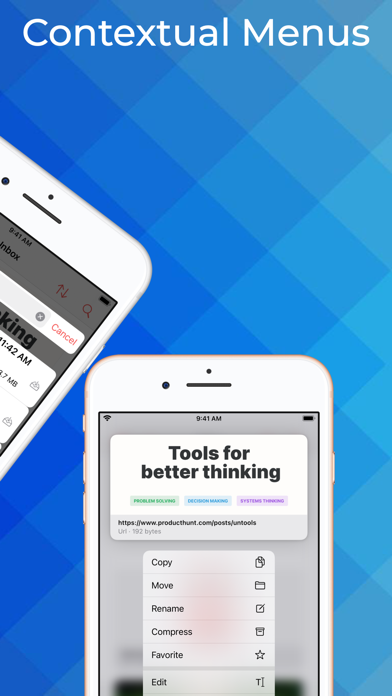
- Contextual menus. Don't take Anybuffer's simple UI as a lack of features. Contextual menus are EVERYWHERE!
- Spotlight. The quickest way to get to your item in Anybuffer? Search in Spotlight and drag and drop!
- Share Extension. The system-wide Share extension allows you to add stuff to Anybuffer practically from anywhere.
- Today Widget. View the clipboard contents and add it to Anybuffer in one tap. Or enable auto-add to Anybuffer on Today Widget activation.
- Shortcuts. Robust shortcuts integration allows you to build automation workflows around Anybuffer. Want to save links from RSS feed to Anybuffer - do it in seconds with simple Shortcut.
- Custom Keyboard. Opt-in to use Anybuffer keyboard and you'll have instant access to your items in any app.
Anybuffer is a shelf for your things - organized and available from anywhere.
Anybuffer is paid upfront app, all functions are available after you purchase the app, no subscriptions.
No ads, no creepy analytics, no integration with third-party services. Your data is safe and secure on your devices.
Contact us at info@ameba.co if you have any questions or suggestions.
Entwickler:
Ekaterina Belinskaya
Kategorie:
Productivity
Version:
2020.10
Größe:
7.38 MB
Bewertet:
4+
Sprachen:
English, Russian, Chinese
Kompatibilität:
iPhone, iPad

Kommentare zum Anybuffer