Täglich bieten wir KOSTENLOSE lizenzierte Software an, die ihr sonst bezahlen müsstet!

iPhone Giveaway of the Day - Educational Bible with comment
Educational Bible with comment
ist verfügbar als Giveaway of the day!
Ihr habt nur begrenzt Zeit, es herunterzuladen und zu installieren.

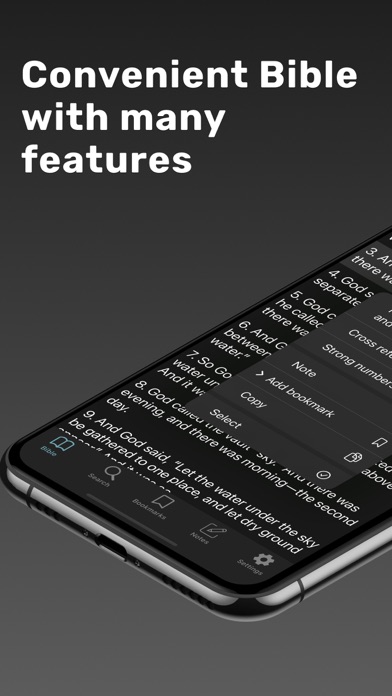
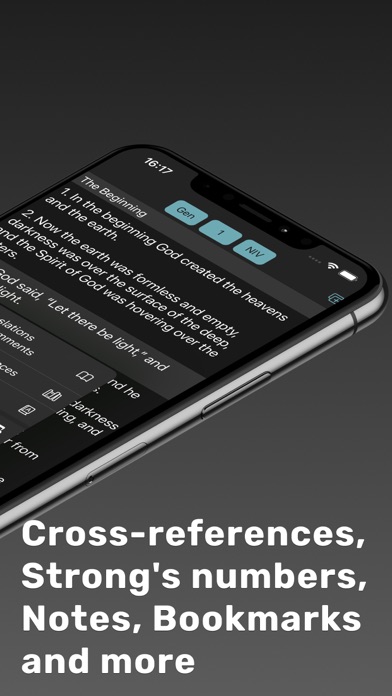
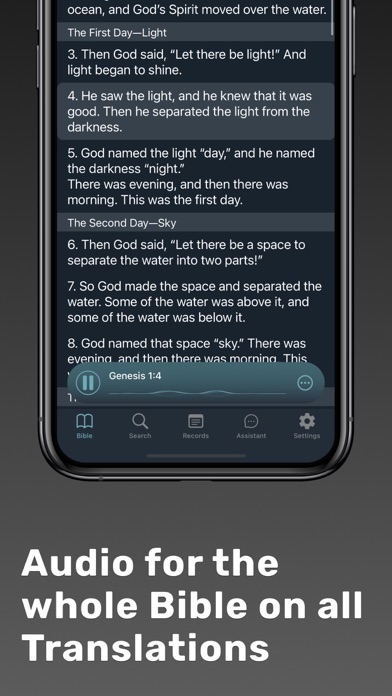
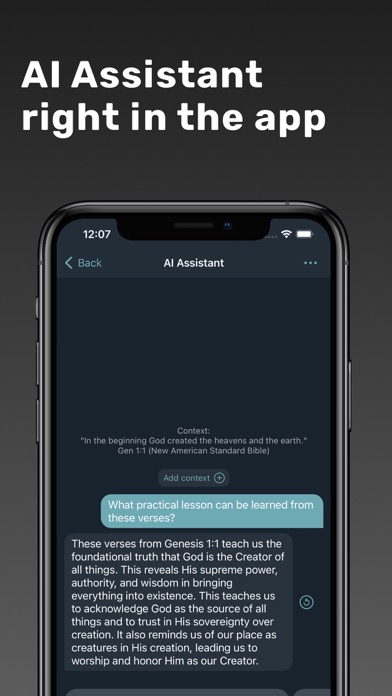
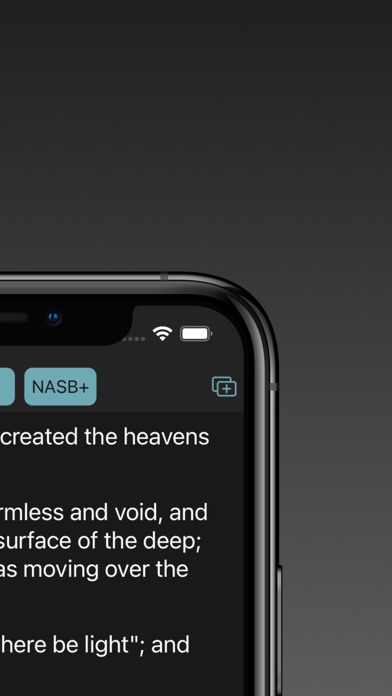
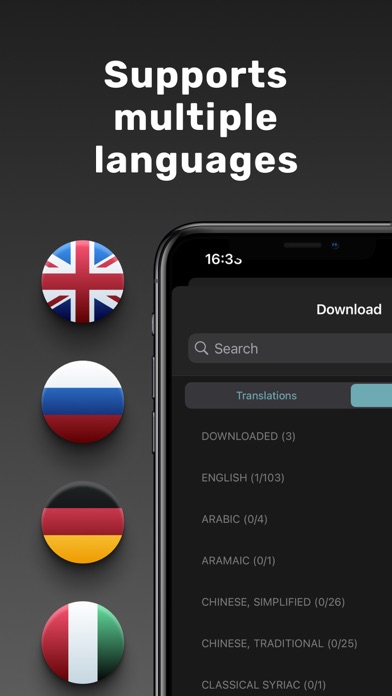
This app provides convenient Bible reading and study.
This Bible reading app stands out from the rest with the following convenient features:
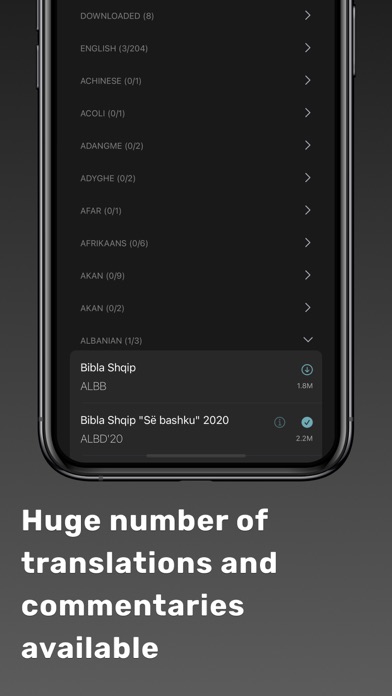
. Huge number of translations, commentaries, dictionaries and reading plans
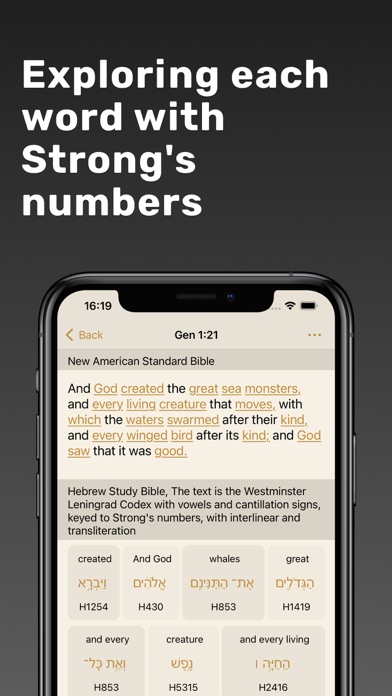
. For more in-depth Bible study, there is a convenient mode - Strong's Number Work. It allows you to study the original Greek/Hebrew text and compare it with the translation.
. For detailed Bible study, a mode is provided where you can enter to read all available translations and commentaries on the current verse.
. Subheadings for each Russian translation. If the current translation does not have subheadings, the subheadings from the Goetze Bible will be displayed (Subheadings can be disabled in the settings).
. Parallel places to each verse. To view a parallel place, long press on the verse and select "Parallel Places". This will open a screen with all the parallel places (The places are taken from "The Treasury of Scripture Knowledge")
. Ten reading plans are provided, with the option of daily notification of today's plan
. Additional English, Ukrainian, and Romanian translations can be downloaded at any time.
. Synchronization between your devices is available.
. While reading, you can open an additional tab where you can watch another translation or commentary in parallel.
. You can also open multiple application windows on your iPad.
. In comments where there are links to other texts, you can open these texts by clicking on the link (links are highlighted in color) and then click on the link if necessary.
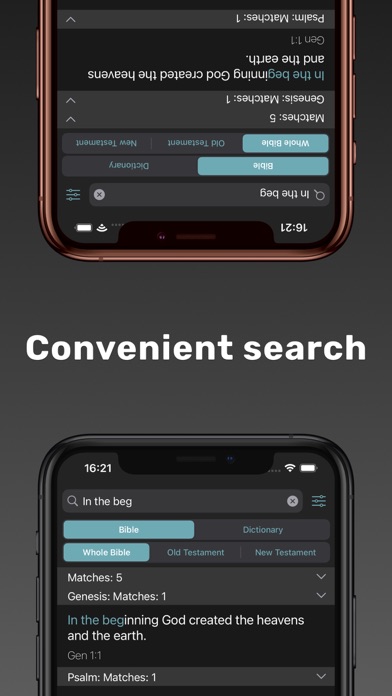
. There is a convenient search for the whole Bible or only for the Old / New Testament.
. Convenient search by one of the built-in dictionaries (Nicephorus, Brockhaus and Goetze).
. Any verse can be added to bookmarks, and then view all the verses that are in them. Bookmarks can also be color-coded to make them stand out from the background.
. Notes can be added to poems and read them in the future.
. When navigating to a book, you can enter the first letters of the book in the search bar to avoid searching for it manually.
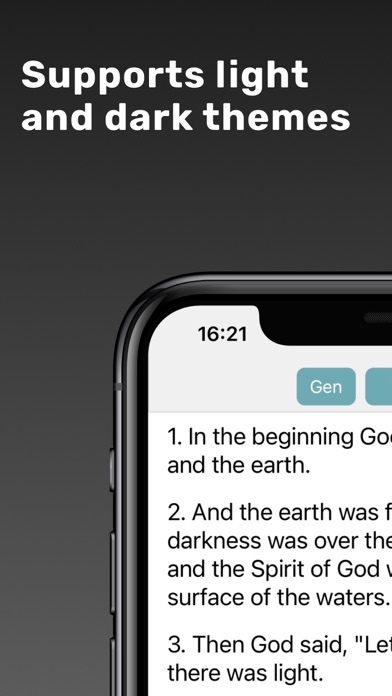
. Ability to choose dark / light theme of the application. By default the current smartphone theme will be used.
. Ability to choose any accent color of the app.
. History screen is present, thanks to which you will never forget the readings.
. Ability to increase / decrease the font of the text for a more comfortable reading of the Bible.
. Any verse can be copied. To do this, long-press the verse and select the corresponding item in the menu.
. It is possible to select several verses at once and copy them. To do this, long-press to select a verse and click on "Select", then select other verses.
. Internet connection is not required to run the application
. Does not contain advertising
Privacy Policy: https://doc-hosting.flycricket.io/bibliia-s-kommentariiami-privacy-policy/e469e320-0f5a-4a6d-876a-409aba7ed891/privacy
Terms of Use: https://doc-hosting.flycricket.io/bibliia-s-kommentariiami-terms-of-use/a85b1501-8d6f-4018-b61e-32e011afa193/terms
Entwickler:
Dmitrii Medvedev
Kategorie:
Book
Version:
18.5.2
Größe:
24.73 MB
Bewertet:
4+
Sprachen:
English, German, Portuguese, Russian, Spanish, Ukrainian
Kompatibilität:
iPhone, iPad

Kommentare zum Educational Bible with comment