Täglich bieten wir KOSTENLOSE lizenzierte Software an, die ihr sonst bezahlen müsstet!
iPhone Giveaway of the Day - NVSUAL Photo Filters & Effects
This giveaway offer has been expired. NVSUAL Photo Filters & Effects is now available on the regular basis.
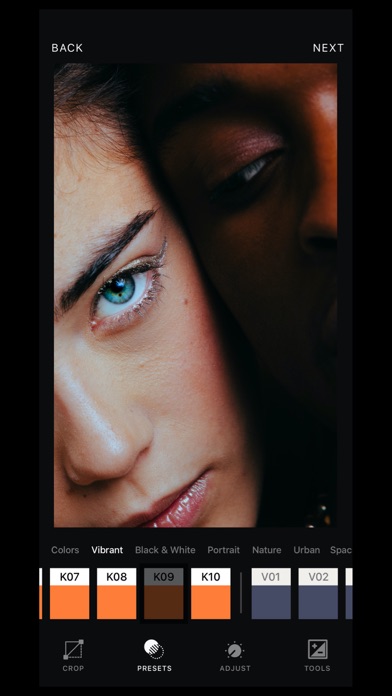
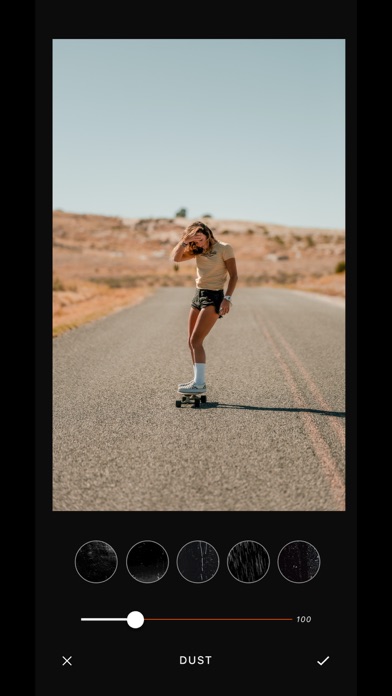
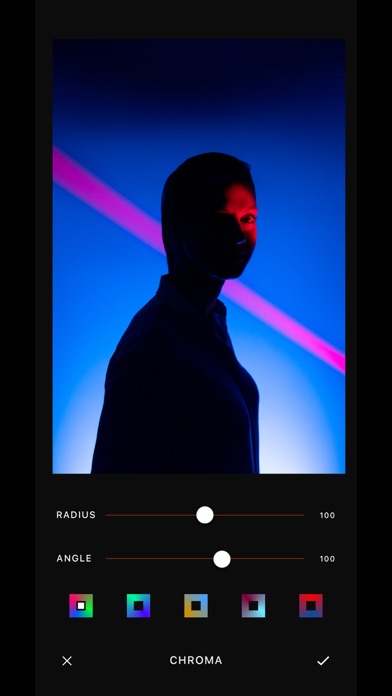
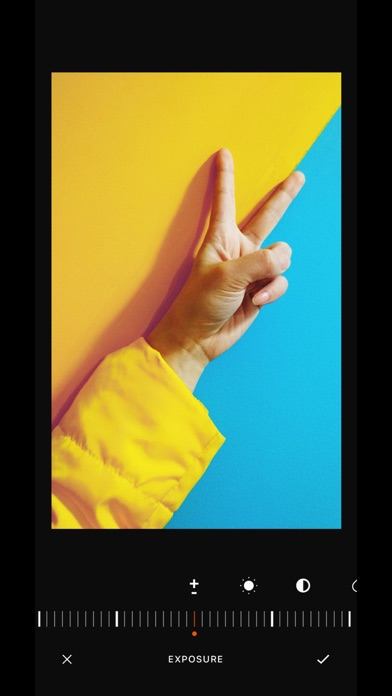
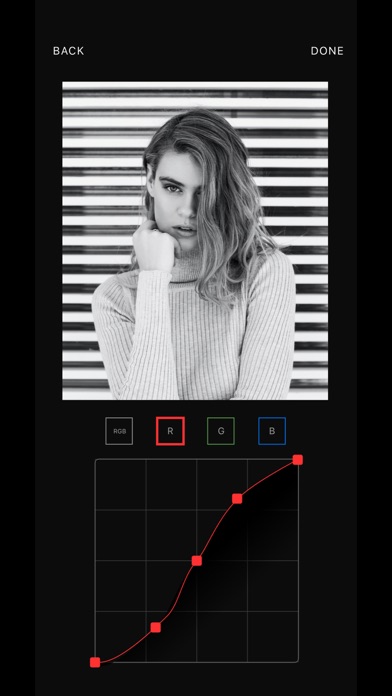
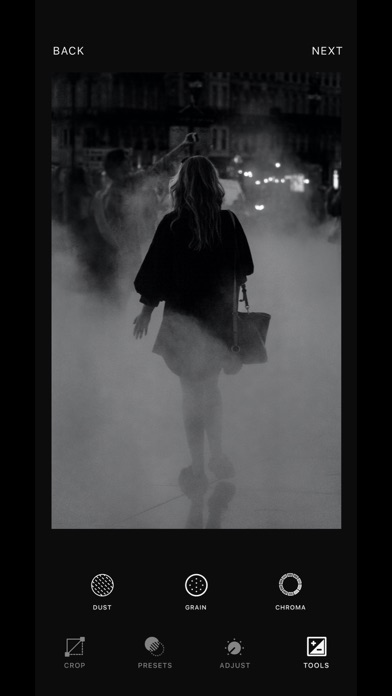
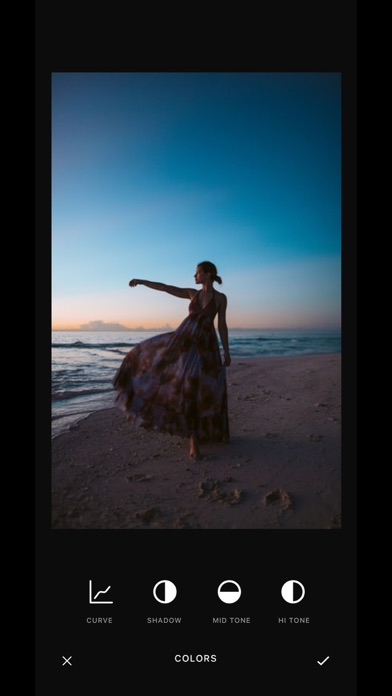
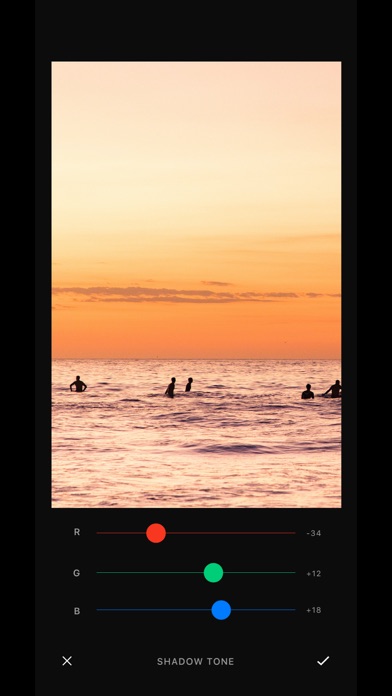
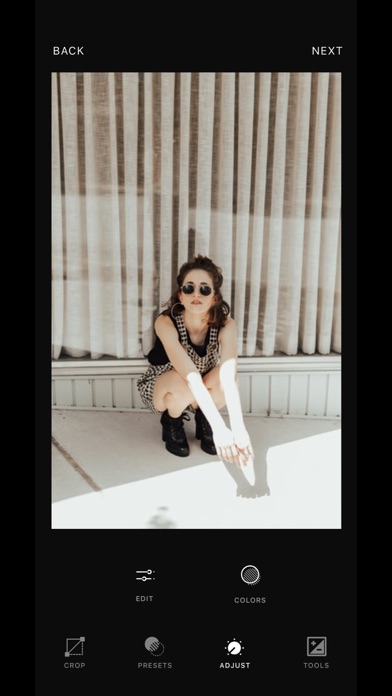
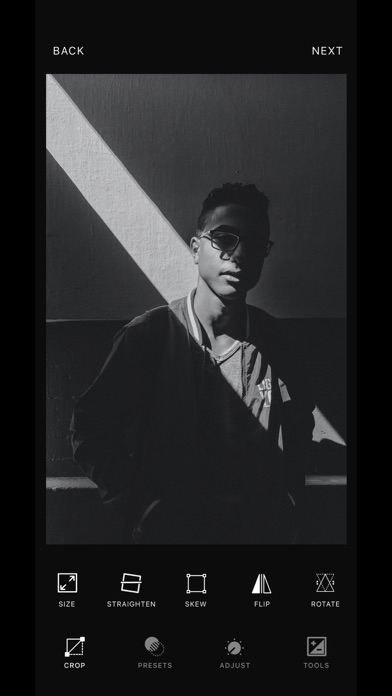
NVSUAL is your all-in-one mobile photo editor with a single lifetime payment of $ 3,99.
Take your photography to the next level with over 120 presets, easily import and edit your RAW photos. Access amazing photo editing effects like Contrast and Saturation to make your photos stand out, you can recreate the look of old Kodak, Fuji, Agfa movies and others with Grain and Chromatic Aberration Effects. Adjust, crop or play around with the perspectives and rotation of your photos with the Size, Skew and Rotate tool.
Play with the colors of your photos using our more than 120 presets and with color editing tools, with which you can professionally adjust the colors using our curve tool.
Share your amazing photos on Instagram with #NVSUAL and you can be featured!
FEATURES
• Easy to use and understand.
• We support high resolution images up to 8K.
• Creative and intuitive editing tools.
• High quality filters and customizable filter presets.
• Preview in real time. See the effects in real time while editing.
TOOLS
We have a large number of tools so you can edit and adjust your photos like a professional. You have the below tools list:
PHOTO EDITING (EDIT)
• Exposure: Adjust the tones of the entire image
• Brightness: Adjust the brightness of the photo
• Contrast: Adjusts the contrast of the photo.
• Tint: The Tint effect tints a layer by replacing the color values of each pixel with a value between a slider of colors.
• Temperature: The Tint effect tints a layer by replacing the color values of each pixel with a value between a color slider.
• Saturation: Adjusts the overall color intensity of the photo.
• Vibrance: Adjust saturation to minimize clipping as colors get closer to full saturation.
• Tech: This incredible tool allows you to adjust the levels of red colorization of your photos allowing you to highlight the red tones.
• Highlights: Adjust the tonal mapping of an image while preserving spatial detail.
• Shadows: Increase and decrease the exposure level of shadows in a photo
• Gloom: Create a smoothing effect on all your photos
• Sharpen: Highlight your photos with this incredible tool that will give an extra touch to your favorite photos.
• Clarity: Apply region-specific settings to brighten dark areas, increase light areas, and add contrast to show hidden detail and give your photo a richer, more vibrant look. Adjustment is color neutral
• Glow: It generates a shine effect to all your photos.
TONE ADJUSTMENT (COLORS)
• Shadow Tone: Boost details selectively in the shadows.
• Mid Tone: boost details selectively in midtones.
• Highlights Tone: Selectively adjust the details in the lights.
• Color Curve (RGB): Have precise control over brightness levels in your photos.
SPECIAL EFFECTS (ADJUST)
• Chroma: Chroma's best color matching features and control tools.
• Dust: You can choose between more than 20 textures to give an analog and antique effect to your photos.
• Grain: Get a modern movie look with the most realistic grain.
ADJUST THE SIZE AND SHAPE OF YOUR IMAGES (CROP)
• Size: Choose between several dimensions to crop your photos quickly and easily.
• Straighten: Adjust the orientation and create a great zoom effect to your photos.
• Skew: Enhance all your photos by adjusting the perspective.
• Flip: You want to adjust the vertical or horizontal orientation of your photos. With this tool you can do it quickly and easily.
• Rotate: Rotate your photos horizontally and change them to vertical or vice versa.
Thank you for using & support NVSUAL
Have any questions?
DM Us in Instagram @nvsual
Or contact us at https://nvsual.com
Entwickler:
Friendots LLC
Kategorie:
Photo & Video
Version:
1.3
Größe:
71.21 MB
Bewertet:
4+
Sprachen:
English
Kompatibilität:
iPhone, iPad

Kommentare zum NVSUAL Photo Filters & Effects