Täglich bieten wir KOSTENLOSE lizenzierte Software an, die ihr sonst bezahlen müsstet!

iPhone Giveaway of the Day - PhotoSync – transfer photos
This giveaway offer has been expired. PhotoSync – transfer photos is now available on the regular basis.
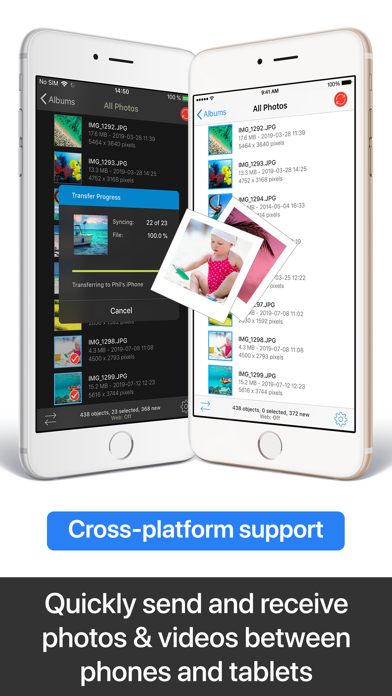


* Number one cross-platform solution with native apps for mobile devices, Windows & Mac. Also works on Linux
* Reliable and secure software – operating 8+ years in the market and continuously updated
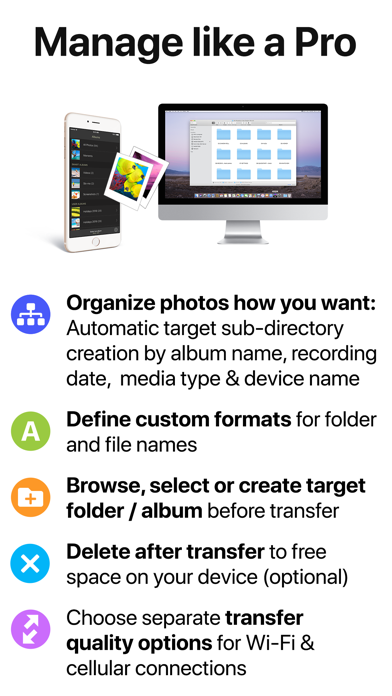
* No limitations – copy, share and backup an unlimited number of full resolution photos, 4K videos and RAW files with all photo metadata (EXIF, Geolocation) intact
* Flexible organisation: Automatically organise files into folders by recording date, media type and album name on the target device. Customisable file names
* Be totally independent of the cloud and iTunes!
—— MAIN FEATURES ——
Transfer to / from computer
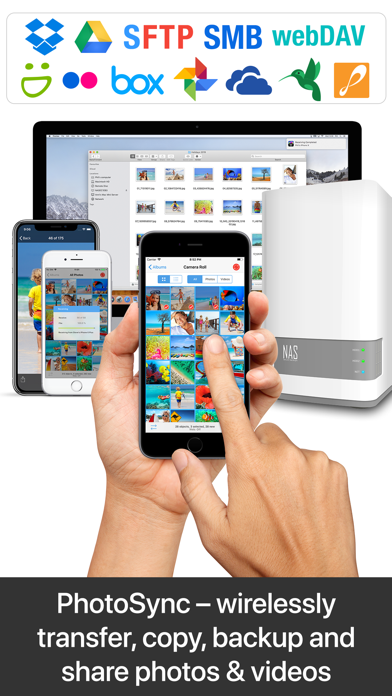
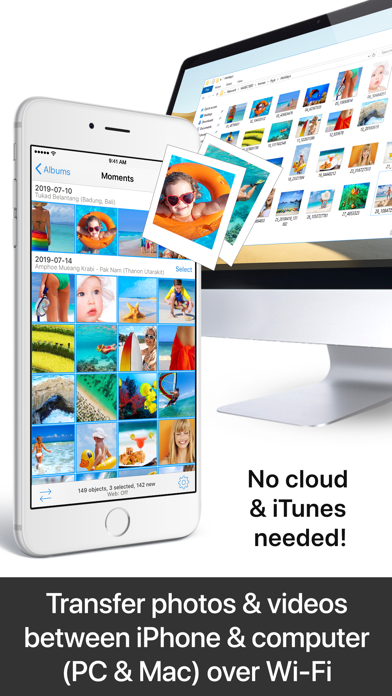
• Directly transfer / backup photos & videos from iPhone / iPad to Windows PC or Mac. Photos & videos are transferred directly over the local Wi-Fi network. Internet or cloud are not required.
• Send photos & videos from Windows PC or Mac over Wi-Fi to iPhone / iPad. Received photos & videos are imported directly into the Camera Roll or an album you defined.
Transfer between phones and tablets
• Directly transfer photos & videos between iOS devices over Wi-Fi, Bluetooth or Personal Hotspot. No computer, Internet or cloud are required.
Transfer to / from NAS, cloud and photo services
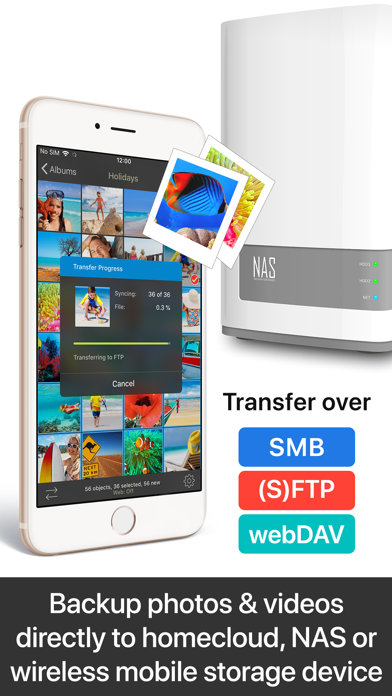
• Backup photos & videos to NAS devices, home cloud and wireless portable hard drives over FTP, SMB, WebDAV and SFTP. PhotoSync works flawlessly with: Synology, QNAP & Buffalo NAS, ownCloud, NextCloud, WD MyCloud, FreeNAS, OpenMediaVault, Seagate Personal Cloud…
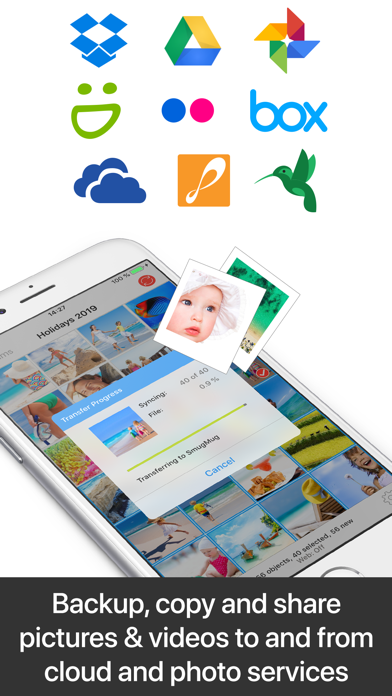
• Upload photos & videos to popular cloud and photo services including Dropbox, Google Drive, Google Photos, Flickr, OneDrive, OneDrive Business, SmugMug, Box, Zenfolio and SugarSync.
Visit photosync-app.com for a complete feature list.
LIMITATIONS
The free version of PhotoSync lets you fully test its transfer functionality. Photos & videos are, however, transferred in low quality. RAW and HEIC photos are converted to JPEG. You can remove these limitations by upgrading to PhotoSync Pro, a one-time life purchase, inside the app.
—— PREMIUM FEATURES ——
Exclusive features available to PhotoSync Premium users:
Autotransfer
Automatically transfer new photos & videos in the background to computer, supported cloud / photo services, private cloud or NAS, whenever you arrive at pre-selected locations
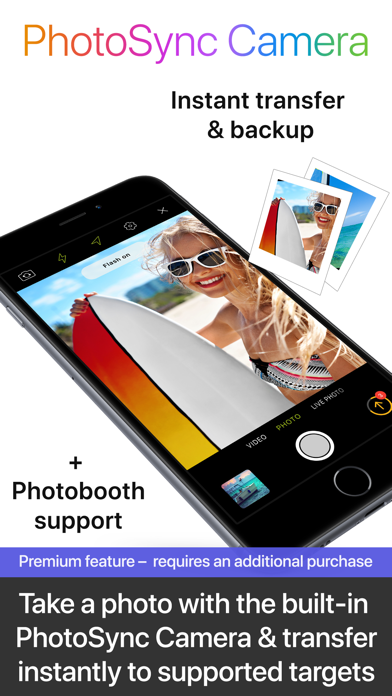
PhotoSync Camera
Take a photo with the built-in PhotoSync Camera and transfer immediately to supported targets. Photobooth support over AirPlay / HDMI
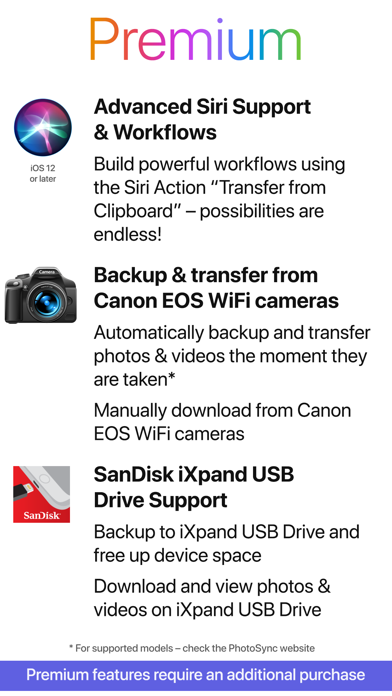
Advanced Siri Support & Workflows
Build powerful workflows using the Siri Actions “Transfer from Clipboard” & “Transfer new photos/videos” – possibilities are endless!
Import from Canon EOS Wi-Fi cameras
Backup and transfer photos & videos the moment they are taken. Manually download from Canon EOS Wi-Fi Cameras.
SanDisk iXpand USB Drive Support
Backup photos & videos to iXpand USB Drive and free up device space. Download and view photos / videos on iXpand USB Drive. Works also offline when traveling.
Visit premium.photosync-app.com for a complete feature list
Premium features require an additional purchase (available as one-time life purchase or subscription).
PREMIUM SUBSCRIPTION INFORMATION
• Yearly subscription: 14-day free trial / Monthly subscription: 3-day free trial – no commitment; cancel anytime
• Payment will be charged to iTunes Account at confirmation of purchase
• Subscription automatically renews unless auto-renew is turned off at least 24-hours before the end of the current period
• Length of subscription: monthly & yearly
• Account will be charged for renewal within 24-hours prior to the end of the current period, and identify the cost of the renewal
• Subscriptions may be managed by the user and auto-renewal may be turned off in Account Settings after purchase
• Any unused portion of a free trial period, if offered, will be forfeited when the user purchases a subscription
Terms & Conditions: https://bit.ly/33KFb1G
Privacy Policy: https://bit.ly/30gkaKd
Entwickler:
touchbyte GmbH
Kategorie:
Photo & Video
Version:
4.0
Größe:
97.33 MB
Bewertet:
4+
Sprachen:
English, French, German, Japanese, Korean, Chinese, Spanish, Chinese
Kompatibilität:
iPhone, iPad, iPod touch

Kommentare zum PhotoSync – transfer photos