毎日 通常購入しなくては使用できないソフトウエアを無料で提供します!

iPhone Giveaway of the Day - PrintLab Studio 3
このgiveawayオファーはすでに期限が切れています。PrintLab Studio 3が今紹介されています。
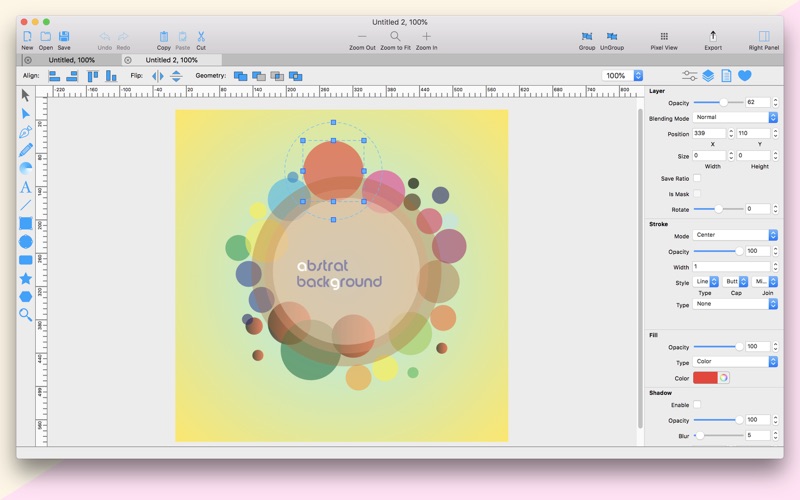
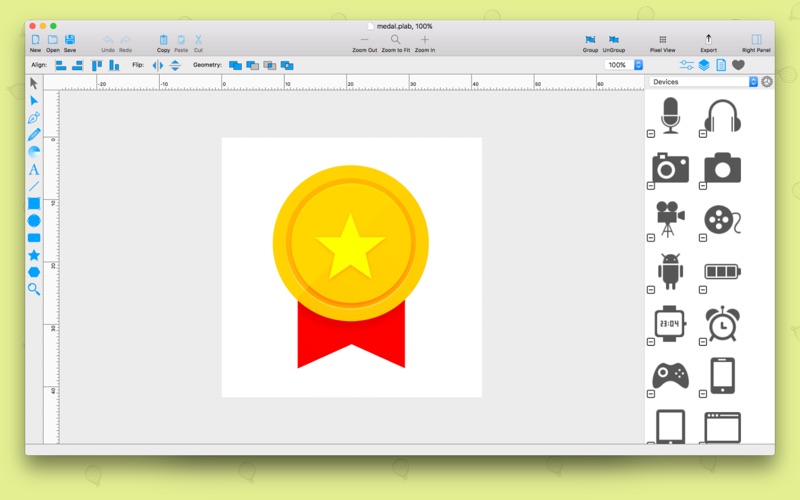
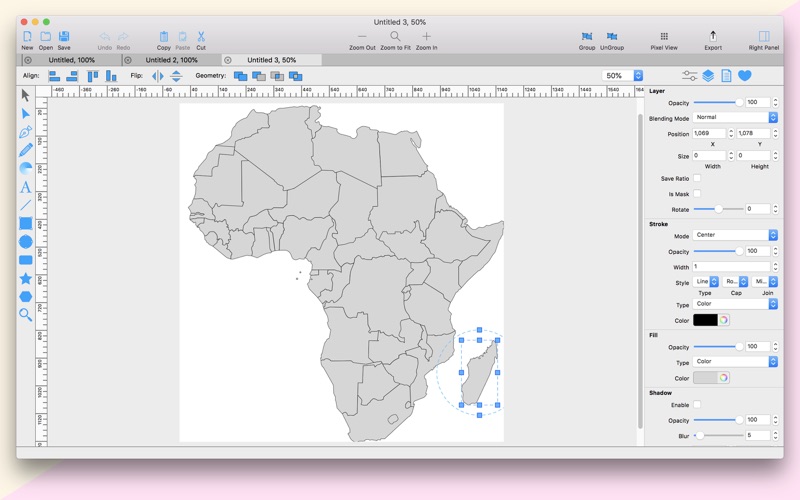
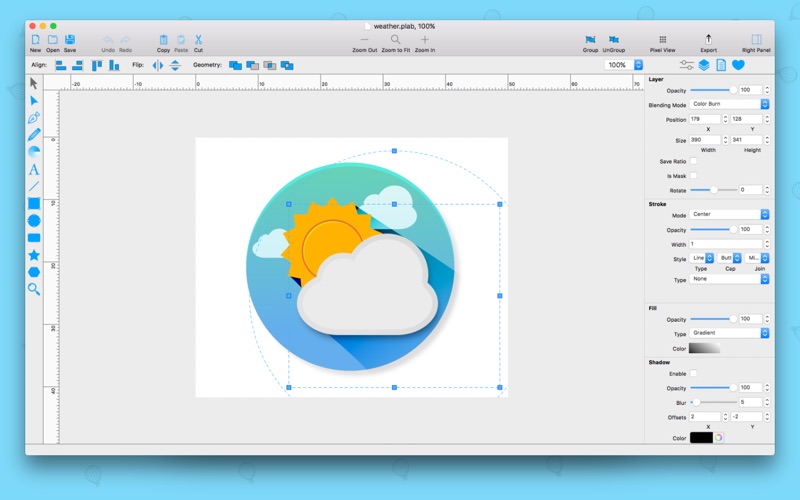
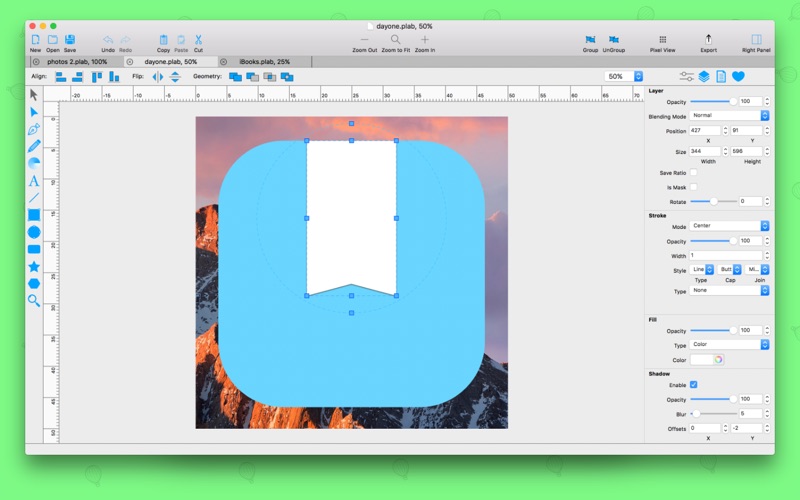
PrintLab Studio 3 is a lightweight and easy to use vector drawing illustration application for macOS.
PrintLab Studio 3 has tools you need to create basic shapes. Create designs quickly and easily change styles.
Notable features:
- Layers
- Text Editing
- Multi-color Gradients
- iWork Style Color Picker
- Stroke features - Multiple Strokes: Outside, Center, Inside
- Multiple Fills
- Dimensioning
- Shape library - ready design elements
- Ready Templates
- Import SVG vector files
- Import CorelDraw *cdr vector files
- Import JPG, PNG, PDF, BMP files
- Import PSD, Ai and EPS files as bitmap
- Export as PNG, JPG and TIFF
- Export as SVG vector file
- Export as PDF file
PrintLab Studio 3 allows you import SVG files and edit them on macOS. After importing files you can:
- Rotate and Scale shapes
- Move Shapes
- Edit objects
- Add other shapes like Rectangle, Text, Oval, Star, Triangle or Custom shape with Pen Tool
- Change Colors
- Change Gradient
- Open Multi-Page files
- Change Stroke Width and Color
- Print
- Save as PNG, JPG, PDF, TIFF and SVG
- Save as PDF
Lightweight and Useful Productive App for every designer. If you have any ideas of feature requests, feel free to drop a message regarding your opinions by using our contact us page.
What's New in version 3.0:
1. Renewed and improved Interface
2. New .svg and .cdr file import library
3. Ready Design Elements - Shape Library
4. Pixel View vs Vector View
5. Object Blur Feature
6. Object (layer) Blending Modes
7. Export to PDF file
8. Multiple Selection - select with mouse
9. Group Layers and move with Group
10. Snapping - snap to the center, left, right, top and bottom
11. New Introduction window
12. Tutorial about how to import .cdr files
Fixed or improved:
1. Document export Feature
2. Fixed bug object dimensioning
3. Fixed bug object change location
4. Fixed bug Right Panel Sections disappear
5. Ruler bug fixed for some users
6. Improved Geometry
7. Improved and fixed bugs for some users Union, Subtract, Intersect and Difference
8. Improved and fixed Alignments
9. New convenient drawing tool icons
10. Improved sub toolbar
11. Fixed bug object flipped when printing
12. Improved svg import
and many other bugs fixed. Have Fun!
If you need us you can find us at @BluetailTeam on Twitter, at facebook.com/BluetailTeam, or blue-tail.com/support/feedback/, we love hearing from you!
開発者:
Abdusodiq Saidov
種類:
Graphics & Design
バージョン:
3.0.2
サイズ:
40.66 MB
批評ポイント:
4+
言語:
English

コメント PrintLab Studio 3