Iedere dag bieden wij GRATIS software met licentie waarvoor je normaliter moet betalen!

iPhone Giveaway of the Day - Emoji Stickers for iMessage ㋡
Deze giveaway is verlopen. Emoji Stickers for iMessage ㋡ is nu beschikbaar op de normale manier.


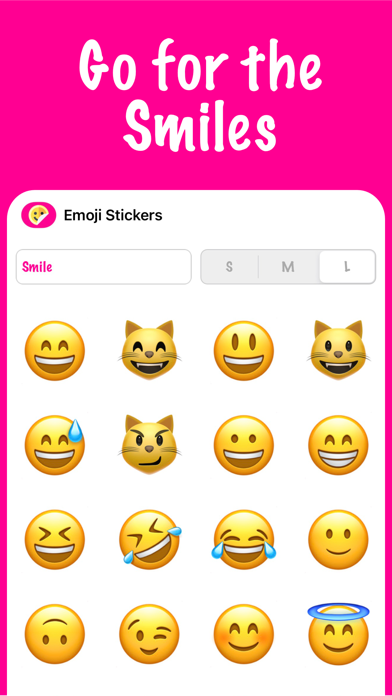


Wanted to use Emojis as sticker? Emoji Stickers are made for you.
How to add a sticker to a conversation:
1. Open Messages and tap the Compose button to start writing a new message. Or go to an existing conversation.
2. Swipe left or right over the app drawer to find the one that you want to use.
3. Then tap the app to open it.
If you want to add a sticker, touch and hold the sticker and then drag it to the message bubble. The sticker will automatically be sent after you've added it to the message. You can also pinch or zoom to resize stickers before sending.
Ontwikkelaar:
Laszlo Tuss
Categorie:
Stickers
Versie:
1.1.2
Grootte:
24.8 MB
Waardering:
12+
Talen:
English
Compatibiliteit:
iPhone, iPad

Reactie op Emoji Stickers for iMessage ㋡